this is a large description for wallet feature component
Features | PRESTO Account | Google Wallet |
|---|---|---|
| Easy |  |  |
| Hard | | |
| Moderate |  | |
DC - Digital Channels
4
Tap "Activate" before boarding, then scan the E-Tticket on a PRESTO device using the barcode reader.
2
Instantly load funds or transit passes to your PRESTO card through your PRESTO account. You can also load as a guest using your PRESTO card number. Alternatively, use the PRESTO app or load in person at a PRESTO customer service outlet.
1
Buy a physical PRESTO card for $4 in person at PRESTO vending machines at TTC, GO and UP Express stations or at a customer service outlet.
You can also buy a card online through mail (arrives in 7-10 business days).
PRESTO cards with a braille indicator are available at customer service outlets and online.
2
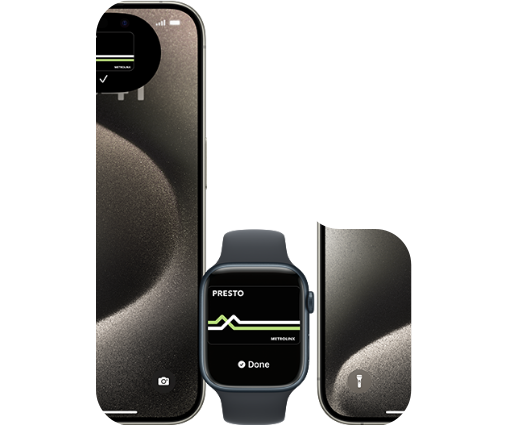
Each PRESTO card in Apple Wallet can only be associated to one Apple ID. It can only be active on one Apple device at a time (iPhone or Apple Watch), and you can only move it between devices a limited number of times.

Special Offers
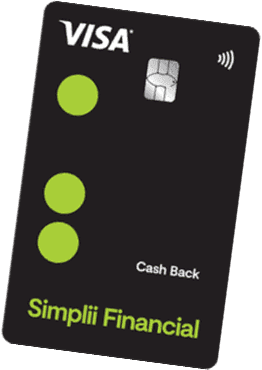
Earn a $250 PRESTO Voucher by signing up for a Simplii Financial™ Cash Back Visa* Card. Plus, get up to 4% cash back on eligible purchases, with no annual fee!
Learn More
Introducing a faster and easier PRESTO experience so you can stay on the move. Take a look around and see what’s new!
4
Tap "Activate" before boarding, then scan the E-Tticket on a PRESTO device using the barcode reader.
3
Buy an E-Ticket through your PRESTO account. You can also buy a physical ticket without an account.

Love that monthly pass? Autorenew automatically adds your transit pass each month.

Automatically and instantly load your PRESTO card whenever your balance falls below an amount that you set. Always have the funds you need to travel with Autoload.