
Transition Program
DC - Digital Channels
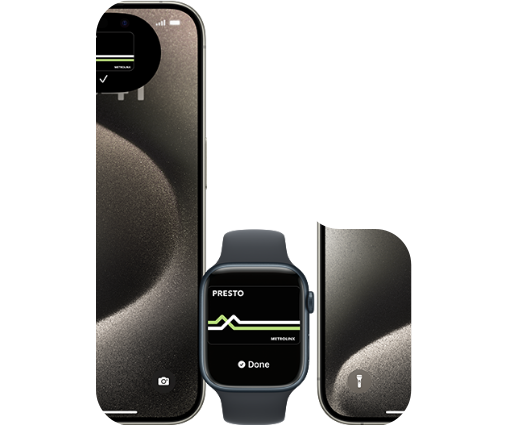
Welcome to the New PRESTO
Introducing a faster and easier PRESTO experience so you can stay on the move. Take a look around and see what’s new!


4
Activate Your Card for PRESTO
Tap "Activate" before boarding, then scan the E-Tticket on a PRESTO device using the barcode reader.
2
Add Funds/Transit Pass
Instantly load funds or transit passes to your PRESTO card through your PRESTO account. You can also load as a guest using your PRESTO card number. Alternatively, use the PRESTO app or load in person at a PRESTO customer service outlet.
1
Buy and register a PRESTO Card
Buy a physical PRESTO card for $4 in person at PRESTO vending machines at TTC, GO and UP Express stations or at a customer service outlet.
You can also buy a card online through mail (arrives in 7-10 business days).
PRESTO cards with a braille indicator are available at customer service outlets and online.
2
Add to Apple Wallet
Each PRESTO card in Apple Wallet can only be associated to one Apple ID. It can only be active on one Apple device at a time (iPhone or Apple Watch), and you can only move it between devices a limited number of times.
TTC Monthly Pass

Two-hour transfers on the TTC
Special Offers
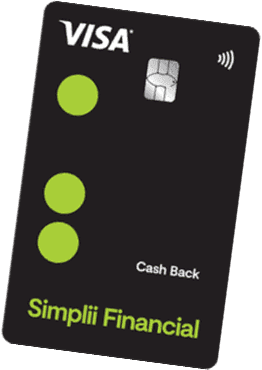
Hop aboard with a $250 PRESTO Voucher
Earn a $250 PRESTO Voucher by signing up for a Simplii Financial™ Cash Back Visa* Card. Plus, get up to 4% cash back on eligible purchases, with no annual fee!
Learn More
How to set up PRESTO in Google Wallet
Subtitle
Check out our easy-to-use instructions in this video on how to convert your current physical PRESTO card using the PRESTO App, and you’ll be set up on Google Wallet in a snap!
This is Title
this is a large description for wallet feature component
Features | PRESTO Account | Google Wallet |
|---|---|---|
| Easy |  |  |
| Hard | | |
| Moderate |  | |
